 OceanBow

Hear the beat
Try marimba, water drops or harp, and set a tempo that gives you time to play.
Violin metronome for iPhone & iPad
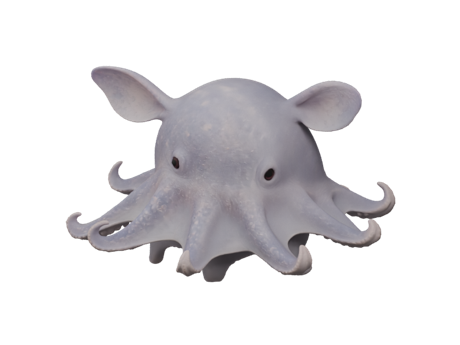
Hear a gentle beat, or follow it in silence as an ocean friend swims alongside the pearls.
See how it worksHow OceanBow began
One day, while I was helping my daughter practice violin, she told me the metronome was getting on her nerves. My first thought was simple: could I make one she’d actually enjoy listening to?
She loves sea creatures, so I tried bringing a few into her practice. When she wants a sound, she can pick one she likes. When she’s had enough clicking, she can turn the device volume down and follow the pearls as her ocean friend swims. That’s how OceanBow grew out of practice at our house.
Try marimba, water drops or harp, and set a tempo that gives you time to play.
Turn down the device volume and follow the pearls with an ocean companion. Choose No companion to practice with just the pearls.
Set how many beats you want in each bow for open-string practice. An optional first-beat accent helps cue the next bow.